Kea Servers
A Server object holds the connection to one Kea deployment. This page lists its fields.
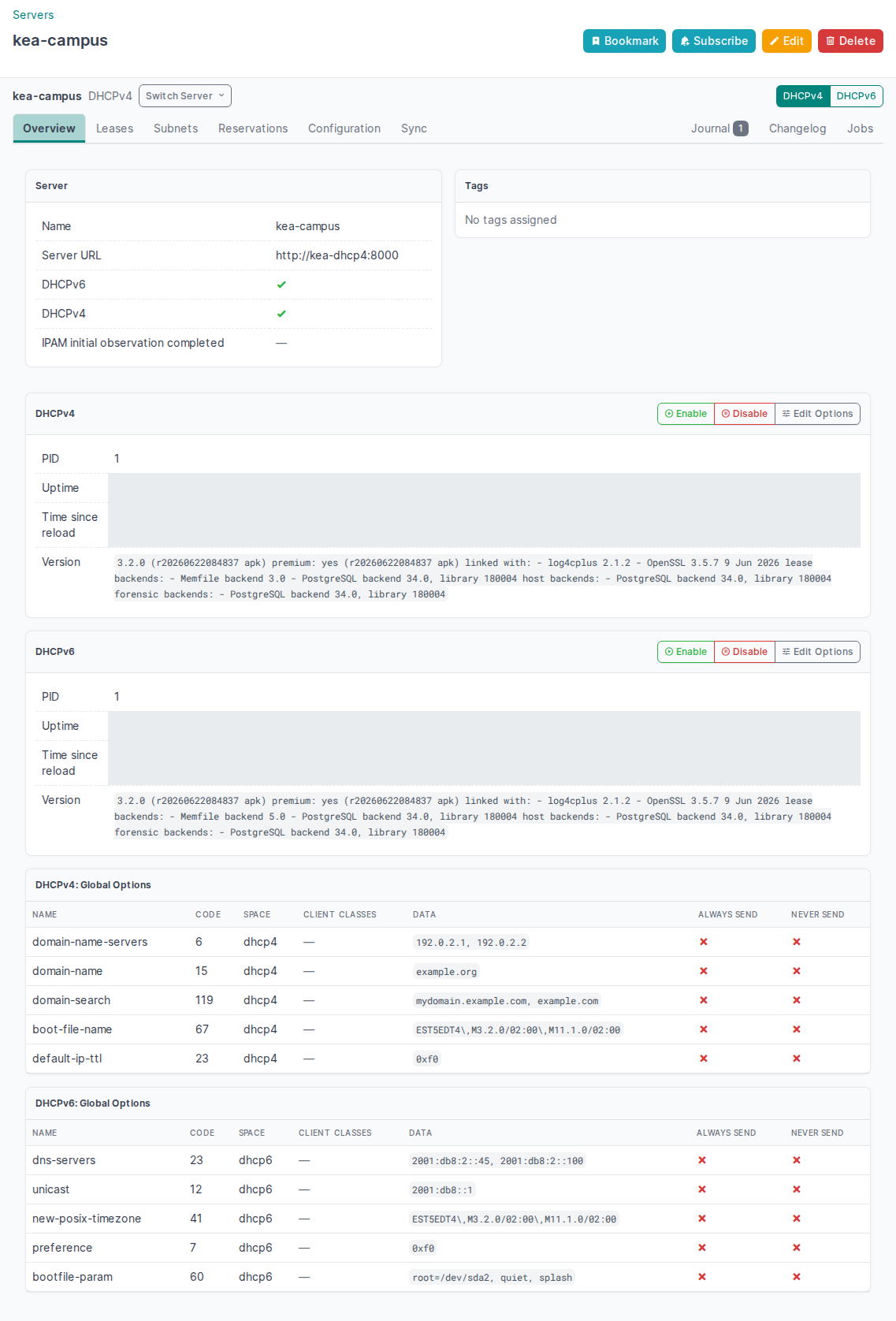
Each Server has the shared workspace navigation: Overview, Leases, Subnets, Reservations, Configuration and Sync. The scope bar shows the Server name and one DHCP family switch on section pages and mutation forms. Journal, Changelog and Jobs are at the right end of the same tab row, and the NetBox object controls stay available above it. When the DHCP plugin integration runs for the Server (see Configuration), Sync has two subsections: IPAM and DHCP Plugin.
Opening a record from a combined page enters its owning Server for the selected DHCP family. Use Back to workspace to restore the previous Server selection, section and filters. Forms opened from that page return to the same workspace after a change or when you select Cancel.
Use Switch Server in the scope bar to open the same section and DHCP family on another permitted Server. Compatible search filters stay selected. Pagination starts again on the target Server. Subnet searches are checked against the target Server's live Subnet identities. If the target cannot confirm the Subnet, the filter is dropped and the page explains why. Switching from a record form opens the section list and explains that the record selection was dropped. Use All Servers to open that section in the combined workspace, or Back to workspace to restore the previous selection.
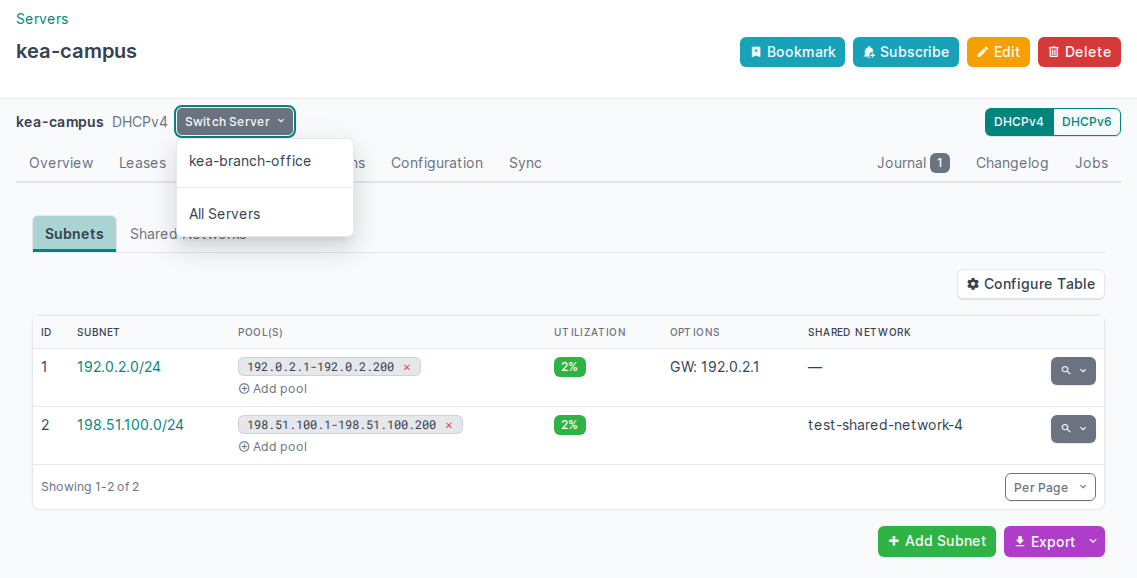
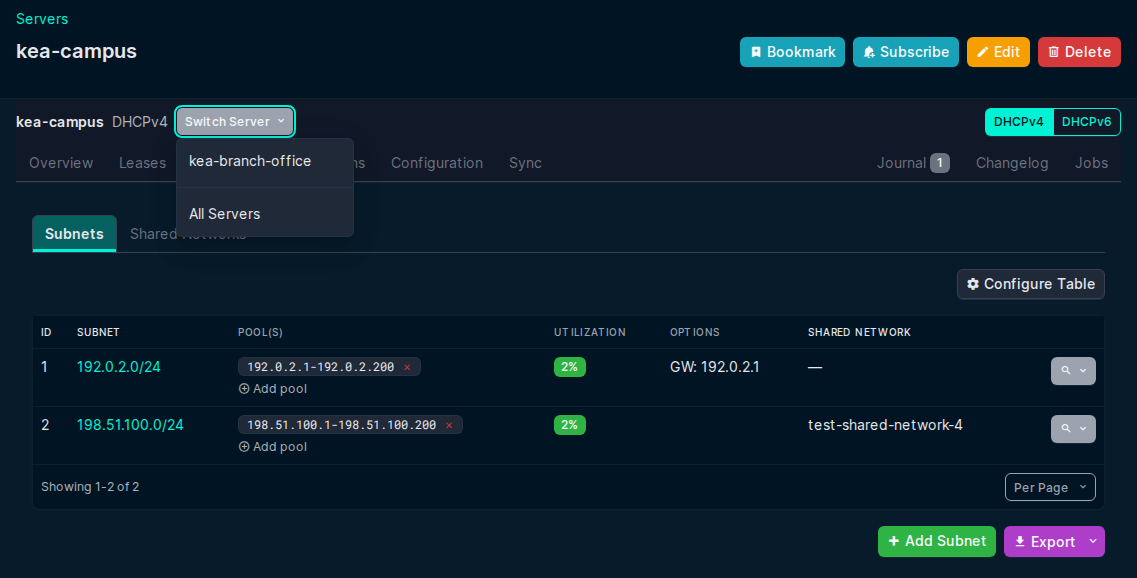
The scope bar and section links use the NetBox light or dark theme. On narrow screens, the Server name wraps and the section bar scrolls within the workspace. Use Tab to reach Switch Server, then Enter to open it. Use Tab to reach a Server link, then Enter to switch. Use Escape to close the switcher and return focus to its button. See the workspace keyboard guide for the full navigation sequence.
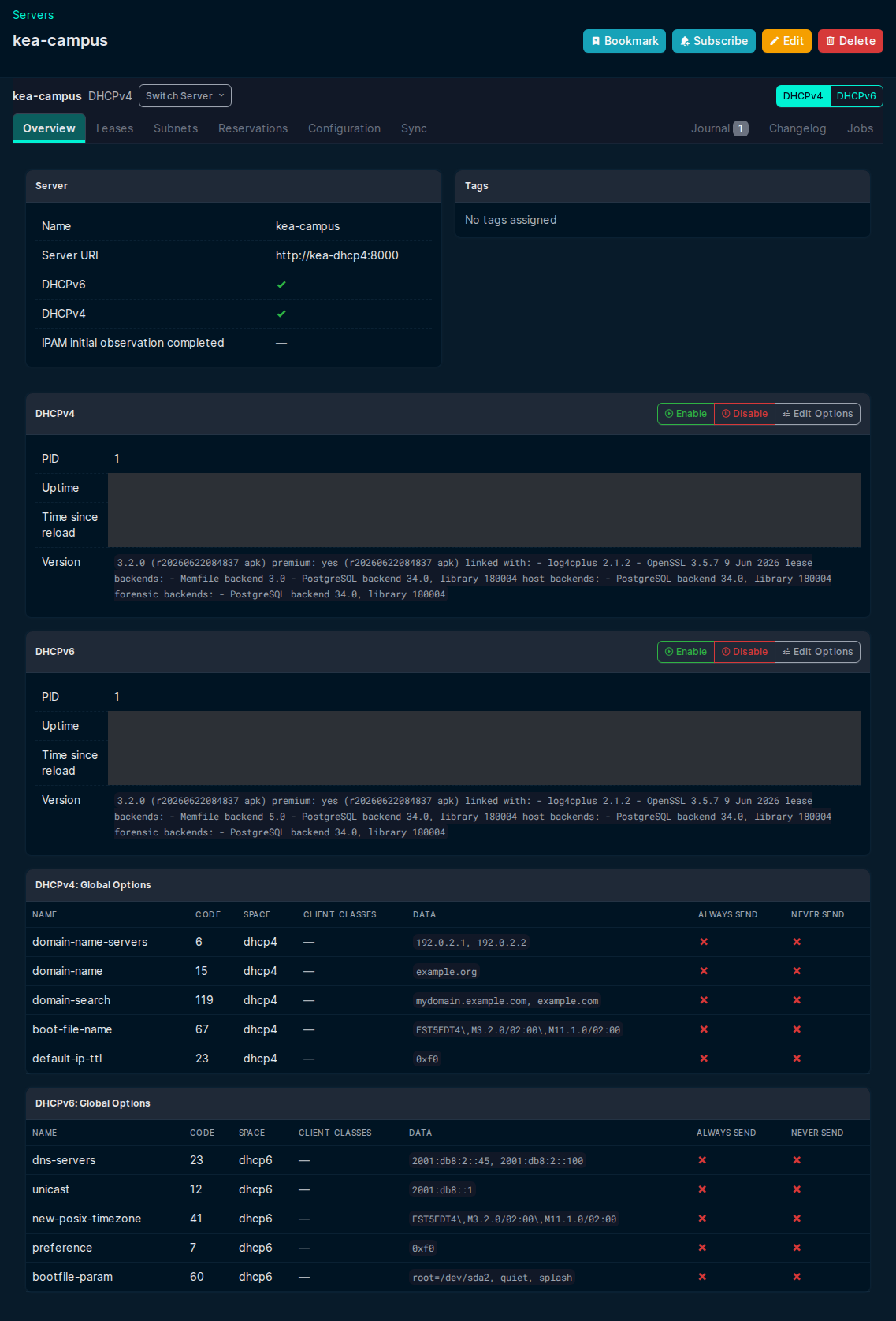
Overview loads the status of each enabled daemon without blocking the Server details. An existing Status URL redirects to Overview. If you open a disabled family, the page shows "Protocol not enabled" and a link to the enabled family.
Single-URL (Control Agent, or a single-protocol daemon)
Point one Server URL at a Kea endpoint that serves every enabled protocol — a Control Agent (deprecated in Kea 3.0 and removed in Kea 3.1.8), which fronts both DHCPv4 and DHCPv6, or a single DHCP daemon's HTTP control socket (Kea 3.0 and later) when the server runs only DHCPv4 or only DHCPv6. A dual-stack deployment without a Control Agent needs one URL per daemon: see Dual-URL below.
| Field | Description |
|---|---|
CA / Server URL (ca_url) |
URL of the Kea HTTP endpoint — a DHCP daemon control socket (Kea 3.0 and later) or the Control Agent (removed in Kea 3.1.8), e.g. https://kea.example.com:8000 |
DHCPv4 |
Enable DHCPv4 lease/reservation/subnet management |
DHCPv6 |
Enable DHCPv6 lease/reservation/subnet management |
CA Username (ca_username) / CA Password (ca_password) |
HTTP Basic Auth credentials (if required) |
CA File Path |
Path to a custom CA certificate file for TLS verification |
SSL Verification |
Enable/disable TLS certificate verification (enabled by default) |
Dual-URL (separate v4/v6 processes)
- Optional separate URLs for the DHCPv4 and DHCPv6 endpoints
- Supports direct daemon connections (Kea 3.0 and later, where each daemon exposes its own HTTP control socket) and split v4/v6 deployments
When DHCPv4 and DHCPv6 have separate endpoints (the norm for direct daemon connections, where each daemon exposes its own HTTP control socket):
| Field | Description |
|---|---|
DHCPv4 URL |
URL of the DHCPv4 daemon's HTTP control socket (or its Control Agent, before Kea 3.1.8) |
DHCPv6 URL |
URL of the DHCPv6 daemon's HTTP control socket (or its Control Agent, before Kea 3.1.8) |
The main CA URL (ca_url) is required and acts as a fallback for any protocol without a dedicated URL.
By default, both DHCPv4 URL and DHCPv6 URL use CA-level credentials; see Per-protocol credentials below for optional overrides.
Per-protocol credentials
When connecting directly to DHCP daemons (bypassing the Control Agent), you can configure separate credentials per protocol:
| Field | Description |
|---|---|
dhcp4_username |
Username for the DHCPv4 daemon (overrides ca_username for DHCPv4) |
dhcp4_password |
Password for the DHCPv4 daemon (overrides ca_password for DHCPv4) |
dhcp6_username |
Username for the DHCPv6 daemon (overrides ca_username for DHCPv6) |
dhcp6_password |
Password for the DHCPv6 daemon (overrides ca_password for DHCPv6) |
If per-protocol credentials are not set, the CA-level credentials (ca_username/ca_password)
are used as the default for all connections.
Server connection validation
- Creating a Server or changing connection values checks every enabled DHCP service.
- Connection values include URLs, credentials, TLS settings, Control Agent routing and enabled DHCP families.
- Metadata changes, such as names, tags and sync settings, work while Kea is unavailable. Submitting unchanged connection values sends no connectivity request.
- Bulk edits reject the entire batch if one changed connection fails its check.
Per-server IPAM sync settings
Each server has optional overrides for the IPAM sync job:
| Field | Default | Description |
|---|---|---|
IPAM Sync Enabled (sync_enabled) |
True |
Include this server in the periodic sync job |
Sync Leases (sync_leases_enabled) |
True |
Sync current DHCP address leases as NetBox IP Addresses. With Sync Prefixes, also DHCPv6 delegated-prefix leases as Prefixes |
Sync Reservations (sync_reservations_enabled) |
True |
Sync DHCP reservations as NetBox IP Addresses |
Sync Prefixes (sync_prefixes_enabled) |
True |
Sync Kea subnets as NetBox IP Prefixes. With Sync Leases, also DHCPv6 delegated-prefix leases |
Sync IP Ranges (sync_ip_ranges_enabled) |
True |
Sync Kea pools as NetBox IP Ranges |
Deprecate stale Prefixes and IP Ranges (sync_deprecate_prefixes_and_ranges) |
False |
Deprecate an owned Prefix or IP Range when this server drops its last ownership link as stale. These objects are never deleted |
Sync VRF (sync_vrf) |
None (global routing table) | VRF to assign when syncing Prefixes, IP Ranges, and lease and reservation IP Addresses. There is no global fallback: leave blank to use the global routing table (no VRF). NetBox refuses to delete a VRF while a server syncs into it |
First complete IPAM observation (ipam_first_complete_at) |
None | Read-only time when this server first completed all enabled job and DHCP import observations after the ownership upgrade |
Persist configuration (persist_config) |
True |
Automatically save Kea config after each change via config-write. Disable when Kea config is managed externally (e.g. Ansible) |
These fields apply to that server. The global switches are in the Sync section of the Settings page.