Leases, Reservations and Subnets
Lease Add / Edit / Delete / Bulk Import
- Add and edit individual leases, and bulk import leases from CSV. A DHCPv4 lease needs a hardware
address (
hw-address), because Kea refuses one without it. A CSV row that is not a valid lease rejects the whole file; the message names the file line and the column, never the value. A line number counts every line of the file, also the header, comments and blank lines. - Edit, Delete and Reserve act on the allocation that the row shows: an address, or a DHCPv6 delegated
prefix (
address/length). Reserve on a delegated prefix fills the Reservation prefix field. - Edit and Delete read the lease again before they change it. They change nothing when the client
binding (MAC address and client ID, or DUID and IAID), the Subnet, the kind, the prefix length or an
edited field differs from the page; reload and try again. A renewal alone does not stop the change,
and an edit keeps the renewed times and Kea's extension values, such as
user-context. This is a check before the change, not an atomic compare-and-write: another writer can still change the lease between the check and the change. A lease that is gone is never created again. - An edit writes only the fields that you change. A blank hostname clears the hostname; a blank client identifier or valid lifetime keeps the current value.
- When Kea does not confirm an add, edit, delete or wipe, the page says so and tells you to check the Server: the reply was lost, or Kea returned an error after it can have changed the lease, for example from a SQL lease database. The message shows Kea's own text when Kea sent one. NetBox then writes no journal entry and sends no signal. A delete of several leases and a CSV import stop at the first lease that Kea did not confirm, and list the leases that NetBox did not send. They also stop when the Server connection settings are not valid, because every lease would fail the same way. Another lease that NetBox did not send, or that changed in Kea before the change, does not stop them.
- After an add, the plugin reads the new lease back from Kea. Sync to NetBox IPAM claims it only when that read shows a current lease whose client binding, and Subnet and hostname when the form gave them, match the request.
- A Reservation of the client that holds only the other kind (addresses for a delegated prefix, or prefixes for an address) shows as Reservation, not Reserved, and the row offers no + Reserve.
- Kea applies a Reservation only when the flags of the lease's Subnet allow it:
reservations-global(Kea's default is false),reservations-in-subnet(default true) andreservations-out-of-pool(default false), each from the Subnet, its Shared Network or the global configuration. When the flags exclude the Reservation of the client, the row shows Reservation Ignored with the flag, and offers Sync, because the lease is a dynamic one. Withreservations-out-of-pool, Kea does not give a reserved address that is inside a Pool, but it renews a lease that already holds it, so that row shows Reserved. When the Subnet also applies Global Reservations and the client has a Global reserved address that Kea can give, DHCPv6 gives the Global address, and DHCPv4 gives the excluded local address after all. In a Shared Network, Kea first tries the Reservations of the other Subnets, which the plugin does not read, so that row shows Reservation Unknown. A Reservation of no address and no delegated prefix stops Kea before the Global Reservation. - When the plugin cannot find out how a lease relates to a Reservation, the row shows Reservation
Unknown with the reason, and offers no Sync and no + Reserve. When Kea does not load the
host_cmdshook, the page shows one notice instead. - The NetBox IP column of a current lease shows its object in the sync VRF: the IP address of an address lease, or the Prefix of a delegated prefix. Synced links an object that this server owns through a lease link. Not Synchronized links an object with the sync marker that only another server, or only a Reservation, owns, and the title of Sync says that a Sync adds this server as an owner. Unmarked links an object without the sync marker, and the title of Sync says that a Sync takes the object over. A lease without an object offers Sync only. The state is Unknown, with the reason in its title, when NetBox cannot be read or you may not view the object; the row then shows no link and no Sync. A lease that is not current shows only a NetBox link to an object that you may view. The table export writes the state in the NetBox IP column (Synchronized, Not Synchronized, Unmarked, Not in NetBox or Unknown), and nothing for a lease that is not current.
- The
lease_addedandleases_deletedsignals carry typed values (seenetbox_kea/signals.py).lease_addedsendscreation, the request that Kea confirmed, andlease, the lease that the read back observed, orNonewhen that read failed or does not match the request. A CSV import sendslease_addedfor each row that Kea created, withleaseNone, because it reads nothing back.leases_deletedsendsleases, the leases whose deletion Kea confirmed. A refused, changed or failed action sends no signal. Wiping the leases of a Subnet sends no signal, because Kea does not report which leases it removed.
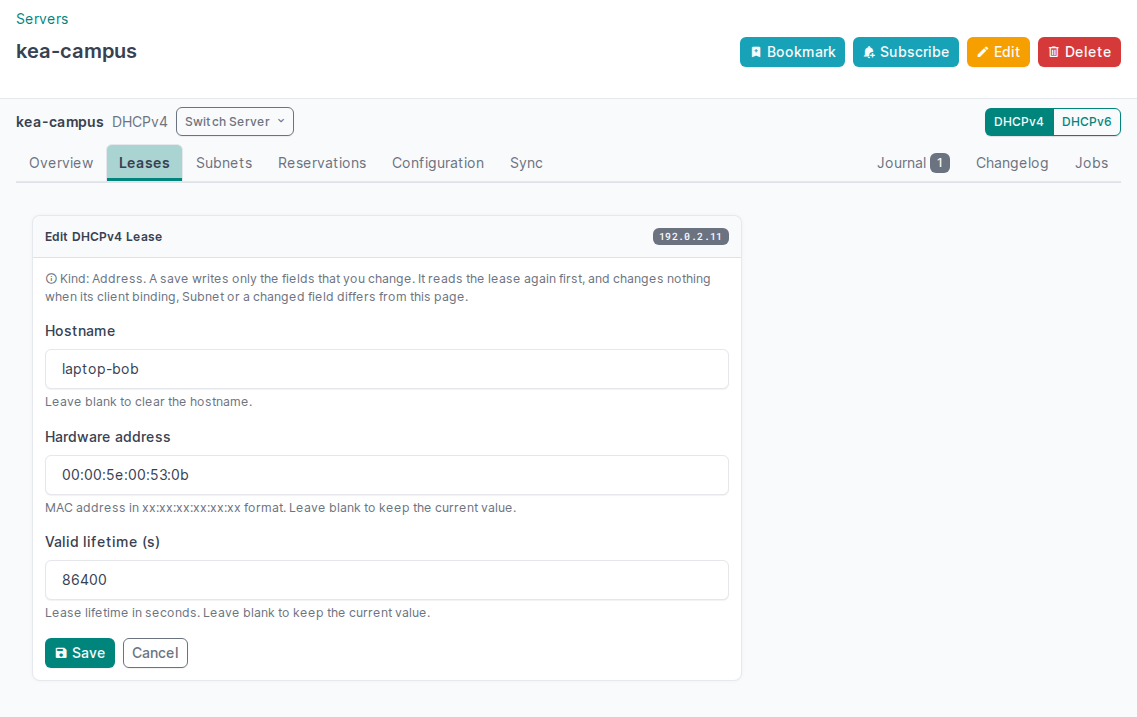
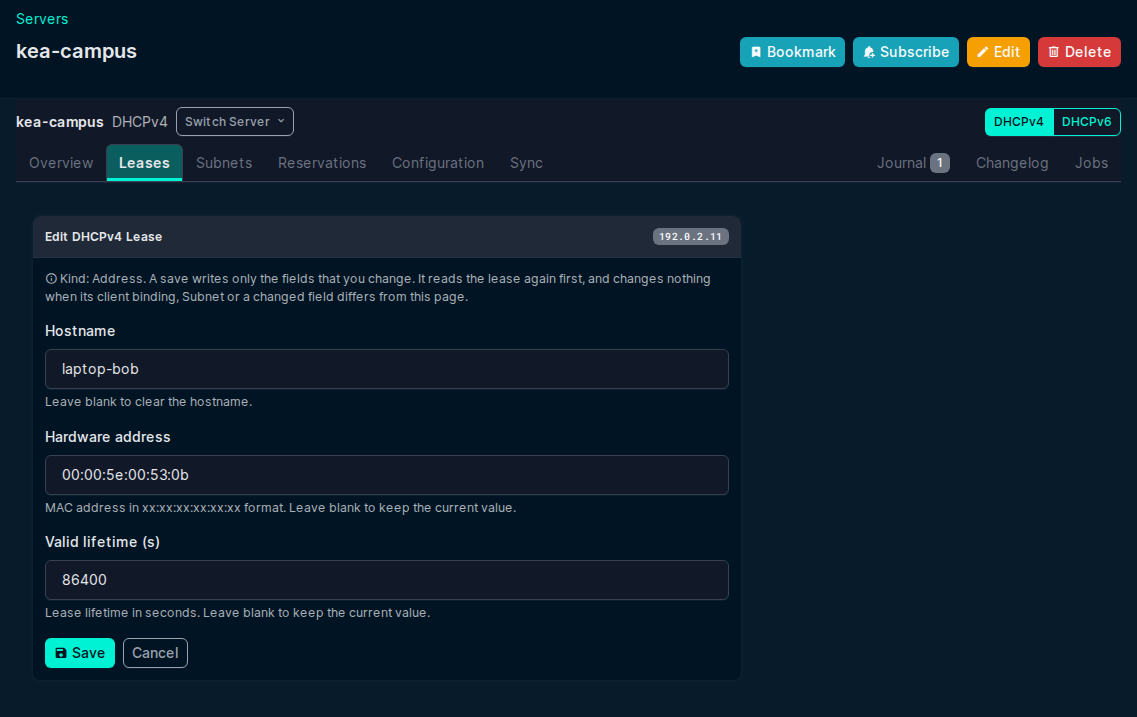
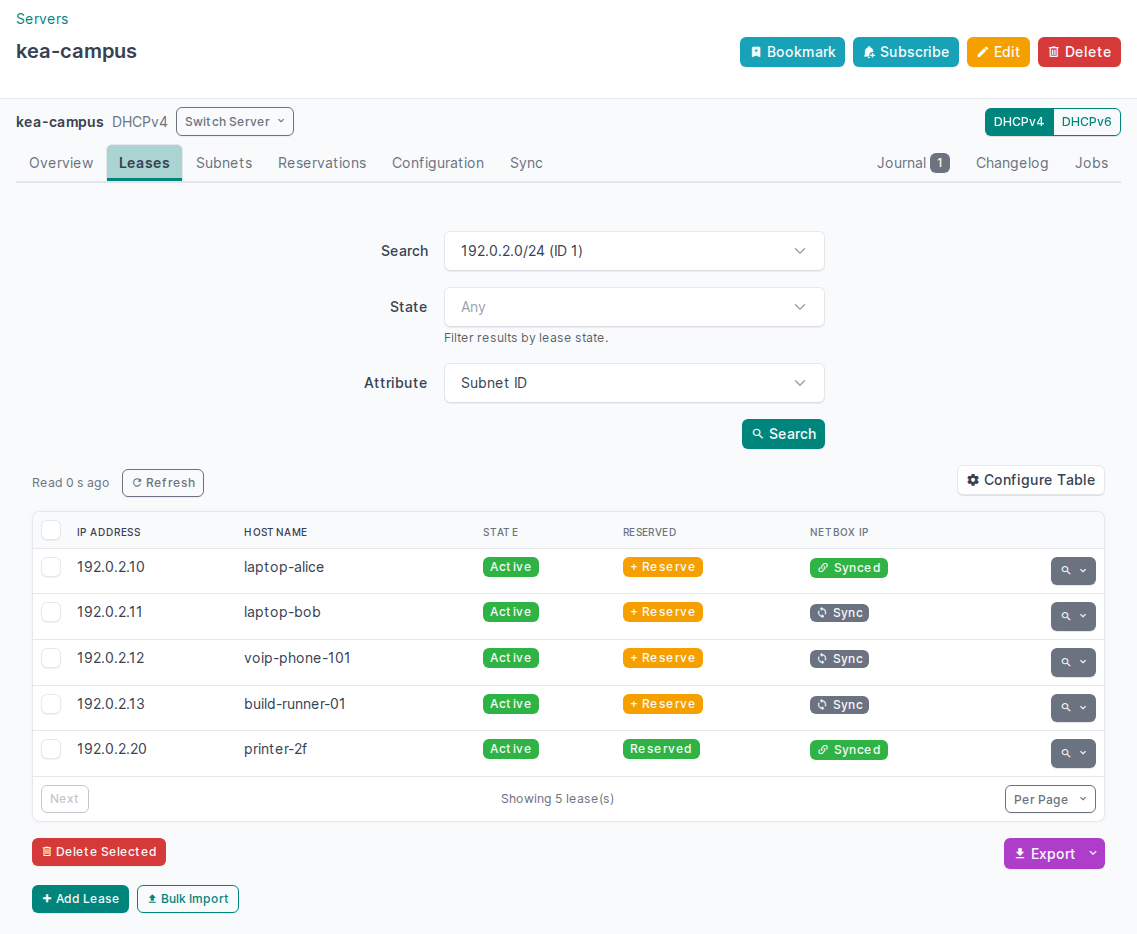
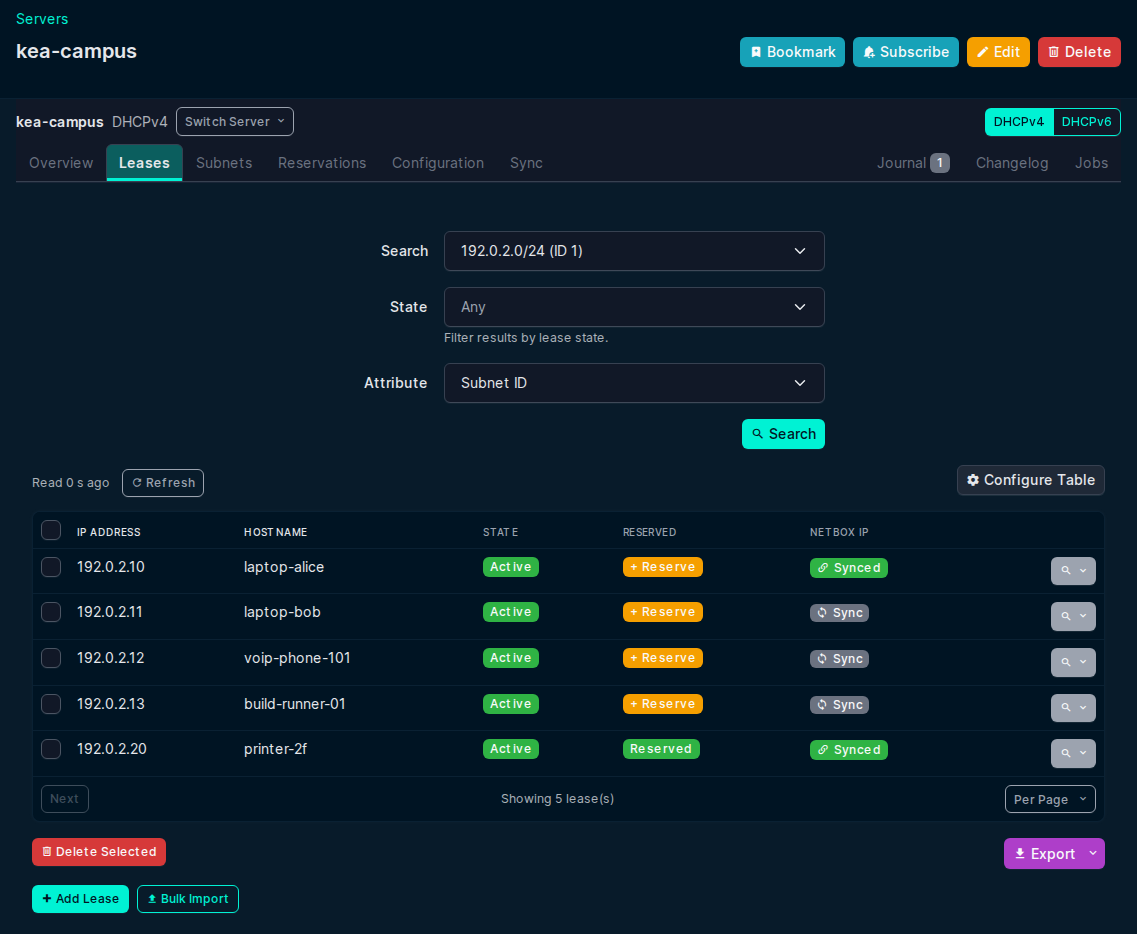
Edit a lease from the row menu of a lease search: change the hostname and save. The search shows the new value.
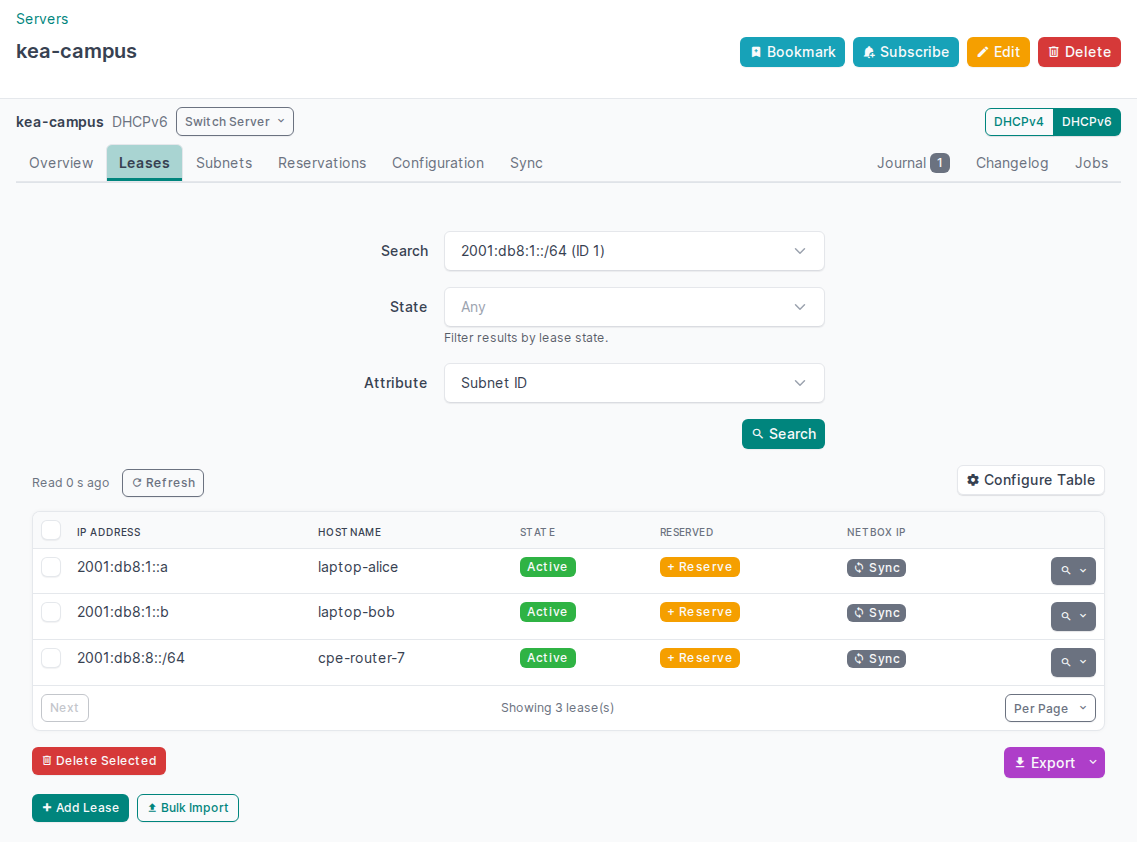
Lease observations
- The plugin validates each lease record that Kea returns. A malformed record is left out and the page shows a safe reason for it (a code, the Kea field and the record position, never the rejected value). The other leases stay visible. A malformed record never counts as "no lease".
- Only a Current Lease is live evidence: an assigned address or delegated prefix, or a registered DHCPv6 address, whose valid lifetime has not ended. An infinite lifetime never ends. The Reservation Lease column shows No Lease only when the lease query of that Reservation is complete; otherwise it shows Lease Unknown with the reason.
- The lease REST actions (
/api/plugins/kea/servers/<pk>/leases4/andleases6/) take one filter:ip_address,hw_address(DHCPv4),duid(DHCPv6),hostnameorsubnet_id. When a request gives more than one, the first in that order is used.statekeeps only the leases in one Kea state code (0assigned to4registered) for every filter. Asubnet_idsearch takes only0(assigned) or1(declined), because Kea counts only those states for the query guard. They return one normalized observation:count,results,diagnostics,complete,next_cursor,query(family,selector,value,state),coverage(exhaustiveorpage) andevaluated_at. Each result hasfamily,kind(addressordelegated-prefix),address,prefix_length,subnet_id,state(the Kea state name),current,binding(hw_addressandclient_idfor DHCPv4,duidandiaidfor DHCPv6),hostname,valid_lifetime,last_transactionandexpiration(infinite,expires_at). Each diagnostic hascode,field,message,source_positionandkinds. The response contains no Kea extension values, such asuser-context, and no display labels. A search covers its own query scope only, socompletenever means that the daemon has no other leases. - A DHCPv6 IP Address search reads the address and the delegated prefix at that address. It is complete only when Kea confirms both. A Subnet search for a CIDR that Kea does not configure is refused, because Kea can keep leases under a Subnet ID that is no longer configured: search by Subnet ID instead. When Max Unpaged Leases on the Settings page is not 0, a Subnet read that returns more leases than the limit is refused too, because Kea's statistics do not count every lease state.
-
Export All Leases and All Data are complete exports. They refuse an incomplete observation (a malformed record, or more leases than the export limit) and show the reason. Their columns are:
- DHCPv4:
family,kind,address,prefix_length,subnet_id,state,current,hostname,valid_lifetime,last_transaction,infinite,expires_at,hw_address,client_id. - DHCPv6:
family,kind,address,prefix_length,subnet_id,state,current,hostname,valid_lifetime,last_transaction,infinite,expires_at,duid,iaid,hw_address,preferred_lifetime.
kindisaddressordelegated-prefix.stateis the Kea state name (assigned,declined,expired-reclaimed,released,registered) andcurrentistrueorfalse. Lifetimes are in seconds.last_transactionandexpires_atare ISO 8601 times in UTC;expires_atis empty wheninfiniteistrue. An empty cell is a value that the lease does not have. - Current View (limited coverage) exports the readable leases of the search, in the columns that the table shows, asleases_limited_coverage.csv. It is not a complete export. - DHCPv4:
Upgrading from 1.x: lease contracts that changed
Integrations that read leases from the plugin must change with the typed lease release (2.0 and later):
- The
leases4andleases6REST actions return the observation above. The Kea fields with underscores, such asip_address,valid_lft,clttanduser_context, and the display keysstate_label,expires_inandexpiry_classare gone. Checkcompletebefore you treat a missing lease as absent. - Export All Leases and All Data use the documented columns and refuse an incomplete observation.
lease_addedsendscreationandleaseinstead ofip_address,hw_addressandhostname.leases_deletedsendsleasesinstead ofip_addresses. A delegated prefix is aDHCPv6PrefixLeasewith its prefix length, not an IP address.- The DHCPv4 lease CSV import requires the
hw-addresscolumn. - The IPAM sync records a delegated-prefix lease as a Prefix, not an IP address. The first complete runs after the upgrade repair the IP addresses that earlier releases made of delegated prefixes (see Delegated-prefix leases from earlier releases).
Host Reservations
- Full CRUD for DHCPv4 and DHCPv6 reservations via
host_cmdsandsubnet_cmdshooks - Identifier types: hw-address, DUID and flex-id (DHCPv4 and DHCPv6), circuit-id and client-id (DHCPv4 only).
Relay remote ID is not an identifier type: configure Kea
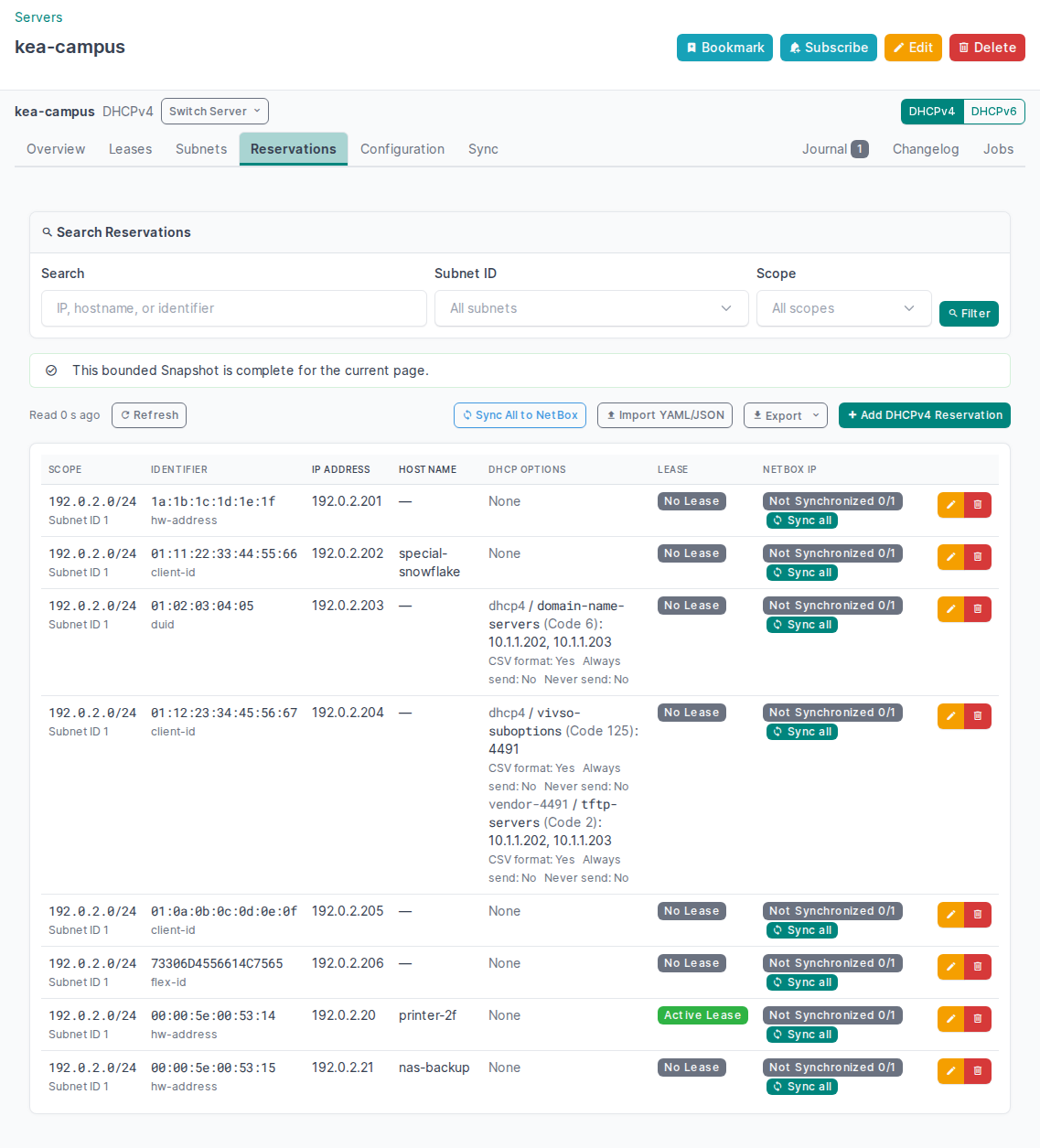
flex-idto derive one from it - Reservations that reserve no address — an identifier-only host (hostname, options or client classes only) and a DHCPv6 host that only delegates prefixes. Both are listed, created, edited and deleted by client identifier instead of by IP, and the IPAM sync reports them as skipped: there is no address to record in NetBox. Their Lease column matches the client identifier against the leases of the reservation's own subnet, there being no reserved address to match on
- Per-reservation DHCP options
- The hostname field takes the name that clients get. Kea adds the effective
ddns-qualifying-suffix(the Pool that contains the reserved address, then the Subnet, the Shared Network and the global value) to a reserved hostname, except to a name that ends in a dot or already ends in the suffix. When a Pool of the Subnet sets a suffix, a Reservation without an address has no known published name, and the form refuses a hostname for it. The form shows a preview of the published name, and the plugin stores the hostname that makes Kea publish the entered name: the labels without the suffix, a single label as entered (Kea qualifies it), or any other name with a trailing dot. A saved Reservation keeps its stored hostname until you edit the name - Journal entries on add/edit/delete, and the
reservation_created,reservation_updatedandreservation_deletedsignals - An add, edit or delete waits for any other change that NetBox sends to the same Kea daemon, such as a Subnet
edit, so that a
config-setcannot erase it. An edit sends nothing when the Reservation changed in Kea after the form was opened, and an edit or a delete sends nothing when the Reservation or its Subnet is gone. Reload and try again - When Kea does not confirm an add, edit or delete, the page says so and tells you to check the Server: the reply was lost, or Kea returned an error after a host data source can have changed the Reservation. The message shows Kea's own text when Kea sent one. NetBox then writes no journal entry, sends no signal and does not sync the Reservation to NetBox IPAM
- When Kea applied the change but the journal entry, a signal receiver or the IPAM sync fails, the page still reports the change, and shows a separate error that names the step that failed
- The NetBox IP column shows an address as synchronized only when this server owns its NetBox IP address through a reservation link. An address that only another server, or only a lease of this server, owns is Not Synchronized, and Sync all adds this server as an owner. An address without the sync marker is Not Synchronized too, and the title of Sync all says that a Sync takes the IP address over. The state is Unknown, with the reason in its title, when NetBox cannot be read or you may not view an IP address of the reservation. The add form shows the same facts for the address that you enter
- Validated YAML or JSON bulk transfer. Export a Complete Snapshot from one server
or the combined view, then import it from the matching DHCPv4 or DHCPv6 Reservations page. A document error, a
Subnet that Kea does not have or an identifier type that Kea does not support stops the import before NetBox
sends anything. Then the import creates one Reservation at a time, and stops at the first entry that Kea does
not apply or does not confirm, or when the Server connection settings are not valid. The report lists each entry
by its position in the document (
reservations[N]) and its identity: the entries that Kea created, the entry where the import stopped, and the entries that NetBox did not send. The document hostname is the stored hostname, so transfer preserves it exactly instead of applying the add form's published-name conversion - The import's Sync to NetBox option claims each created Reservation's addresses in NetBox IPAM. NetBox checks the manual Sync permissions once before it sends any entry. A missing permission refuses the import. A failed IPAM claim appears on that entry in the report, and the import continues with the next entry. Without this option, the import does not claim addresses
- One warning lists Reservations whose addresses lie inside allocation Pools. It names at most five Reservation Identities, then gives the number of remaining entries. Each Reservation counts once, even with several addresses
+ Reserve on a lease opens the Reservation form with the address, the client identifier and the hostname of the lease. After the save, the lease search shows the lease as Reserved.
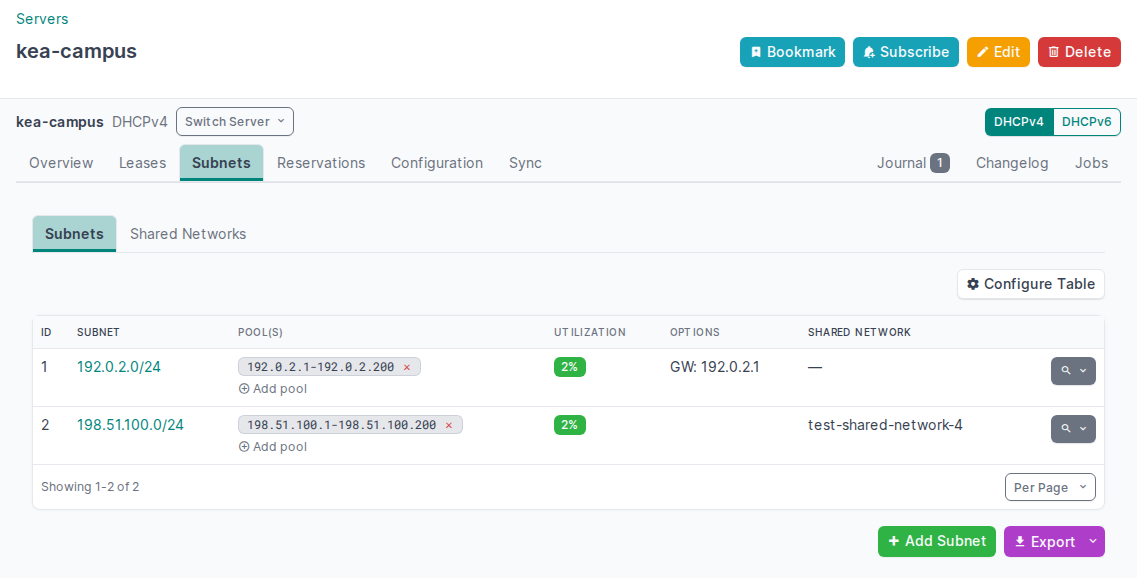
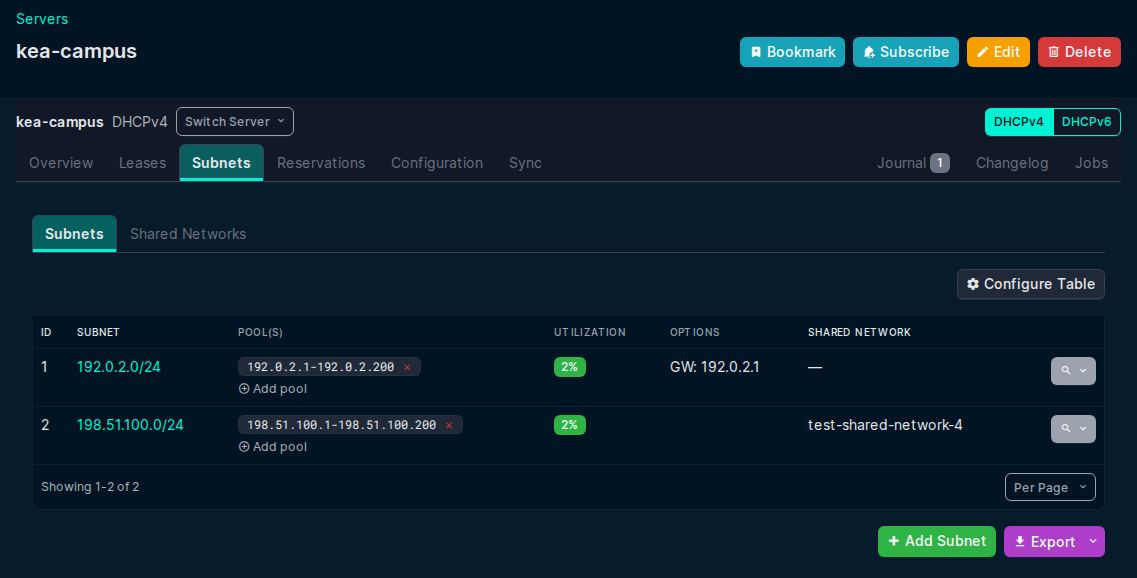
Subnet Management
- Add, edit and delete subnets (requires
subnet_cmdsorconfig-set) - Pool management (add/delete pools per subnet)
- Shared network management (add/edit/delete)
- Per-subnet and global DHCP option editing