netbox-kea-ng
Origin:
netbox-kea-ngstarted as a fork of netbox-kea by Devon Mar and is now a separate project. It is published to PyPI asnetbox-kea-ng. Issues and pull requests up to version 3.1.0 are in the archived repository marcinpsk/netbox-kea. Upstream changes are merged where applicable.
NetBox plugin for the Kea DHCP server. Manage your DHCP infrastructure directly from NetBox — view daemon status, search and manage leases, manage host reservations, configure subnets/pools/options, and keep your NetBox IPAM synchronized with live Kea data via a background job.
Features
Core (from upstream)
- View Kea daemon status (DHCPv4/DHCPv6 daemons, and the Control Agent before Kea 3.1.8)
- Full DHCPv4 and DHCPv6 support
- Search, view, delete and export DHCP leases
- Search for NetBox devices/VMs directly from DHCP leases
- View DHCP subnets from Kea configuration
- REST API and GraphQL support for Server objects
Additions in this fork
- Host Reservations: full DHCPv4 and DHCPv6 reservation management, with YAML or JSON bulk transfer
- Subnet Management: subnets, pools, shared networks and DHCP options
- Lease add, edit, delete and bulk import
- IPAM Sync: leases, reservations, subnets and pools to NetBox IPAM, by hand or in a periodic background job
- Server connection validation and dual-URL servers
- netbox-branching support, event rules and DNS integration
DHCP Control
- Enable/disable DHCPv4 and DHCPv6 daemons from the NetBox UI
Kea Workspace
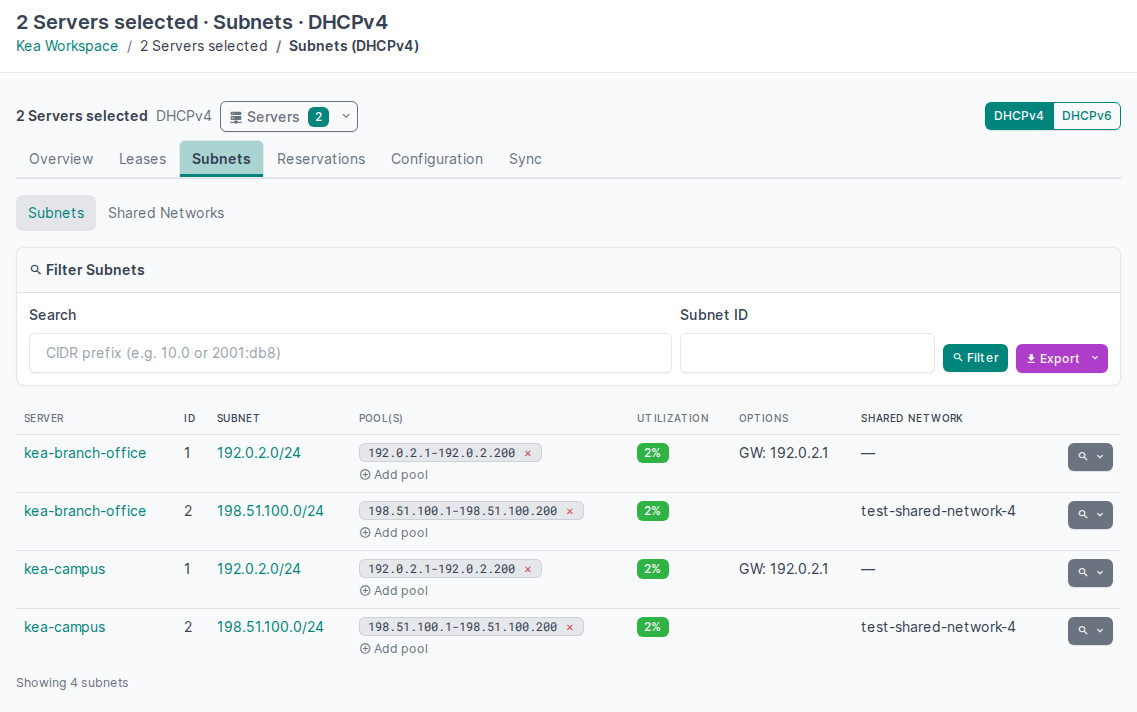
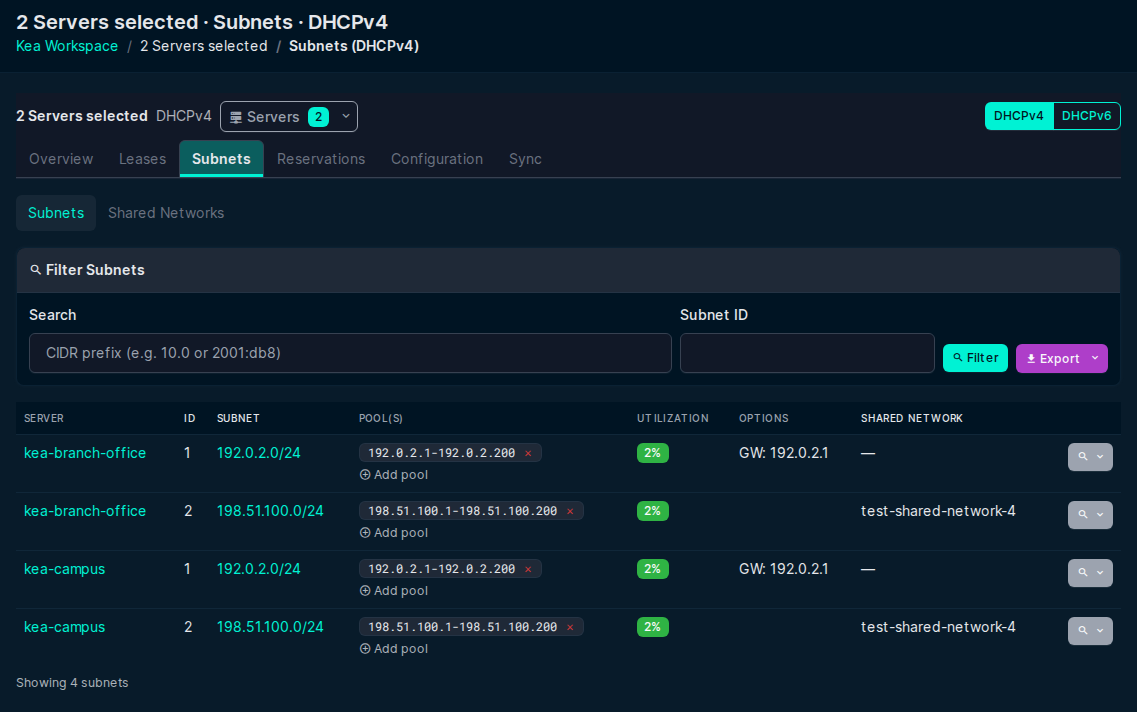
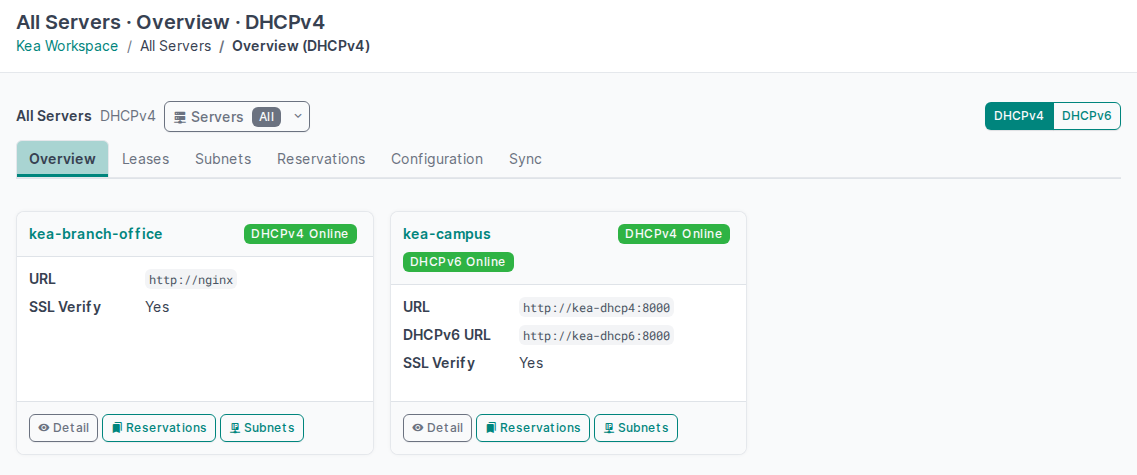
Open Kea Workspace from the plugin menu. The scope bar shows the Server Scope: all permitted Servers or the selected Servers. It stays visible while scrolling. Use its DHCPv4/DHCPv6 switch to change the family and keep the Server selection and compatible filters. Selecting one Server opens its own workspace.
The sections are Overview, Leases, Subnets, Reservations, Configuration, and Sync. Shared Networks is a subsection of Subnets. Leases and Configuration choose a Server for the selected family. Sync shows the latest recorded results for each Server in the scope. A sync run covers all enabled families on its Server. Unknown counts remain unknown.
Open a combined Subnet, Shared Network or Reservation row to enter its owning Server. The Server page keeps a Back to workspace link to the same combined page and filters. Row actions open the owning Server's forms and return to that combined page after the change.
The Servers inventory, the global Sync Jobs page and the Settings page remain in the plugin menu.
Use Servers in the scope bar to select several Servers, then select Apply. Use Show all servers to clear that selection. A selection of one Server opens its canonical workspace. An unknown or inaccessible selection shows an explicit error. It does not expand to all Servers. The selected DHCP family stays visible. A Server without that family shows Protocol not enabled.
Keyboard, narrow layouts and themes
Use Tab and Shift+Tab to move through the scope bar, DHCP family switch and sections. The focused control has a visible outline or focus ring. Use Enter to open a section or a dropdown. In Servers, use Space to change a checkbox, then select Apply. Use Escape to close a dropdown and return focus to its button.
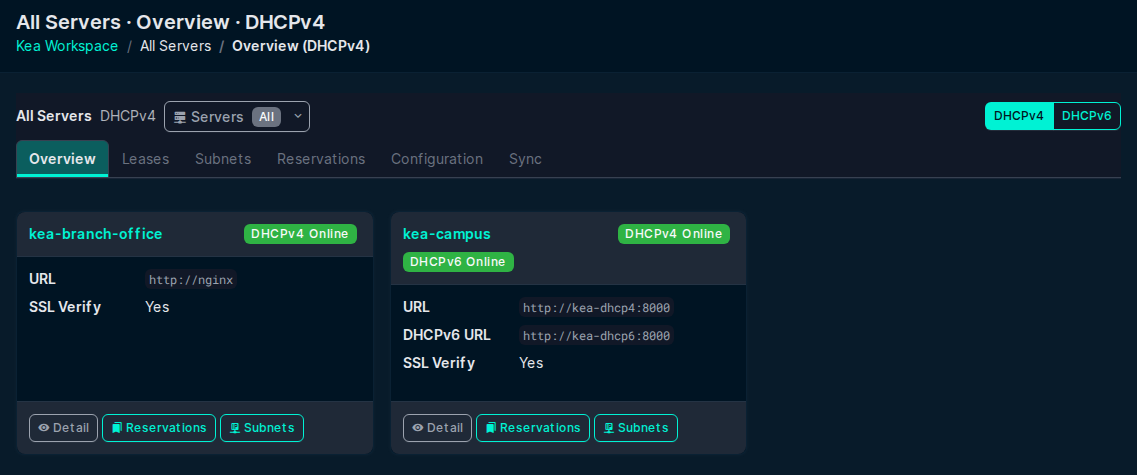
The scope bar wraps on narrow screens. The section bar scrolls within the workspace. Moving keyboard focus to a section brings that section into view. The controls use the selected NetBox light or dark theme. See Kea Servers for Server switching and the return to a previous workspace.
License
Apache-2.0. Original code by Devon Mar, maintained by Marcin Zieba.